Your Data, Your Device, Your Business
No Passwords on Our Servers, By Design
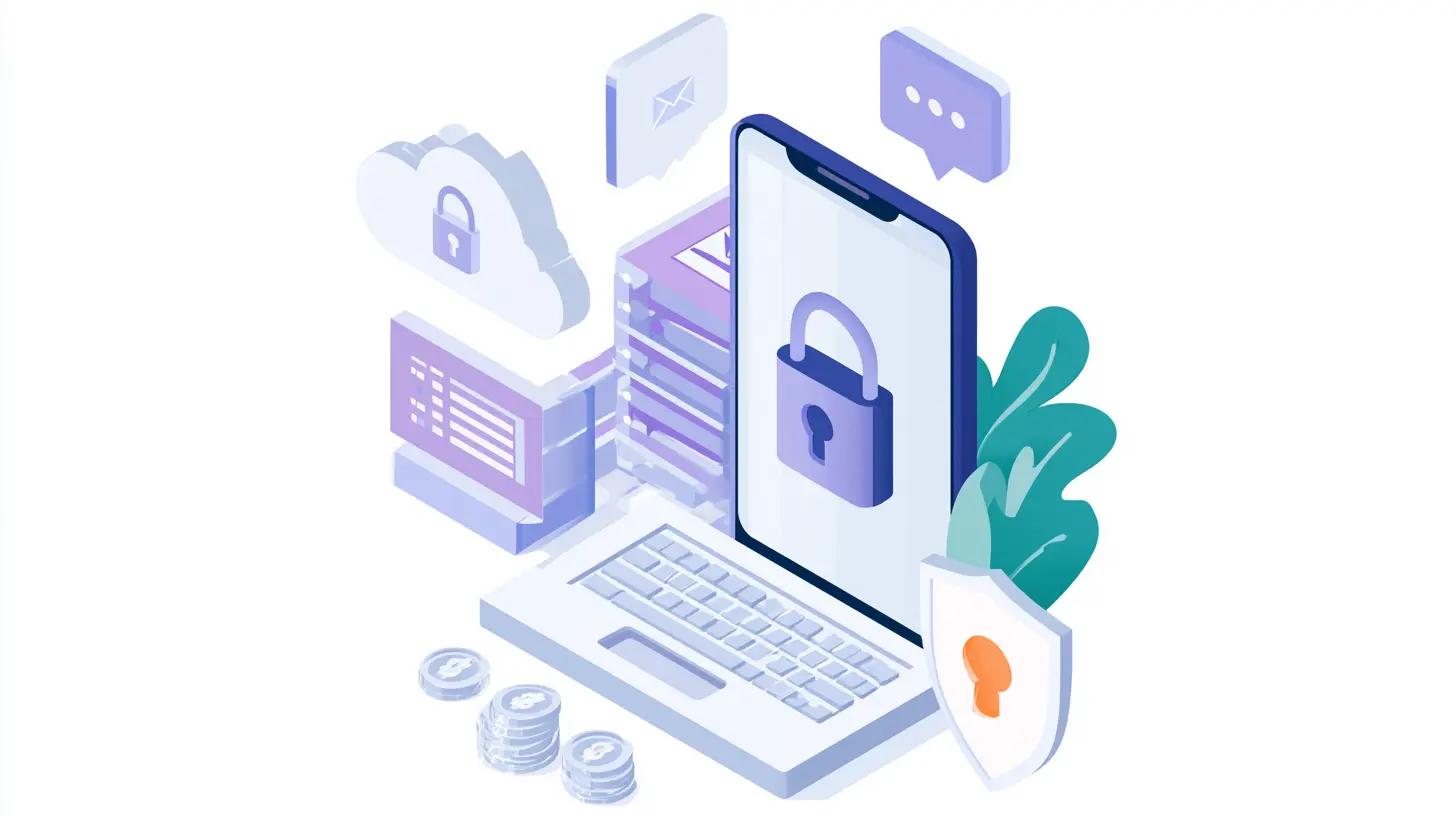
We don't store passwords. Period. You log in via Google OAuth or email OTP verification, so your account has no password. The only password is the encryption password of each workspace, and it never leaves your device.
Encryption happens automatically at the workspace level. When you create a workspace, its encryption keys are generated on your device, and they reach our servers only locked, in a form we cannot open.How We Handle Your Information
Everything Stays Local
Here's our radical idea: your data never leaves your control. We automatically sync encrypted copies between your devices for convenience encrypting the data before it ever leaves your device. Our servers see your portfolio and wallet data only as encrypted blobs, never in readable form. See installing Turbobulls on desktop and mobile for getting it onto each of those devices.Workspaces Are Encrypted by Default
When you create a workspace, you set an encryption password specifically for that workspace. Your device generates the workspace's keys at random, then derives a separate key from this password using cryptographic methods (PBKDF2-SHA-256) and locks the keys with it.
The workspace password is never stored, not on your device and not on our servers, and it is never sent to us. The key derived from it never leaves your device either. What our servers keep are the locked keys, which only your password or your recovery key can open.
How the keys work together: When you create a workspace, your device generates an RSA-OAEP key pair (2048-bit) and a random 256-bit data key. The data key encrypts and decrypts your actual workspace data with AES-256-GCM, with a fresh random value for every record. It is stored only encrypted with the workspace's public key. The private key that opens it is stored only encrypted with the key derived from your password, and a second copy is encrypted with your recovery key.
Changing the password locks the same data key again under the new one and gives you a new recovery key, so your data never has to be encrypted again.
Encryption keys are generated on your device when you create a workspace. They reach our servers only locked, and the password and recovery key that unlock them are never transmitted. The key derived from your password is cached in your browser for convenience, so this device does not ask for the password on every visit, but it is not exportable; the app can use it to unlock your data, but it literally cannot extract or read the key itself. Signing out clears it.
We use Web Crypto API for all encryption operations and random number generation.
Security Guarantees
Database breaches: Encrypted data in our database is unreadable without your workspace password or its recovery key. AES-GCM encryption, with the keys locked under a key derived via PBKDF2, ensures data remains secure even if database access is compromised.
Unauthorized decryption: Your private key is encrypted with keys derived from your workspace password and from your recovery key. Without one of them, decryption is computationally infeasible.
Key extraction: The key your browser keeps is stored in the browser's Web Crypto API as non-exportable. It can perform cryptographic operations but cannot be read, copied, or transmitted.
Server-side access: Your portfolio and wallet data is encrypted client-side before syncing. Our servers store it only as encrypted blobs, with its keys locked, and never have anything that opens them.
Supply chain attacks - someone swaps our code for malicious versions
Direct database tampering - unauthorized writes or deletes
Activity pattern detection - we can see when operations happen and what type, just not the content
The Difference: Encrypted vs. End-to-End Encrypted
You'll see other portfolio apps claim "your data is encrypted" or "bank-level security." Let's explain why that's not the same as what we do."Encrypted" Doesn't Mean Private
Encrypted in transit and at rest means:
- Data is encrypted when traveling between your device and their servers (HTTPS)
- Data is encrypted when stored in their database (encryption at rest)
But here's the catch: They hold the encryption keys. They can decrypt your data anytime. When you see your portfolio dashboard, charts, or analytics-their servers are reading your unencrypted data to generate those features.
"Encrypted" just means it's protected from external hackers or if someone steals their hard drives. It doesn't protect you from them seeing your data.
End-to-End Encryption Is Different
Only you can open the keys. Your data is encrypted on your device, and the keys that open it are locked with your workspace password. We never see that password, and we only ever hold those keys locked.
Our servers see encrypted blobs. When your data syncs, we store gibberish. We can't decrypt it, can't run analytics on it, can't see your positions or values, even if we wanted to.
No server-side processing. We can't offer features that require reading your portfolio data (AI recommendations, server-side analytics) because we literally don't have access to it.
What Actually Leaves Your Device
When Turbobulls syncs, a saved transaction travels as an encrypted payload: the ciphertext plus the initialisation vector needed to decrypt it with a key only your device can unlock. The amounts, tickers and notes you typed are inside that ciphertext, not alongside it.
{
  "amount": 1234.56,
  "ticker": "AAPL",
  "note": "monthly dca",
  "date": "2026-07-27"
}{
"action": "transaction added",
"encrypted": "k3JhbmRvbS1sb29raW5nIGJhc2U2...",
"iv": "9tK2fQ7xW1pL4mNz",
"created_at": "2026-07-27T14:22:31Z"
}The structural difference: a server-side tracker's request carries your figures in readable form, because its server needs to read them to do its work. Turbobulls' request cannot carry them readably, because the encryption already happened on your device. There is nothing for the server to read when the data arrives.
Why Other Apps Don't Do This
True E2EE is harder to build and limits features. Most portfolio apps need to see your data to:
- Generate portfolio analytics on their servers
- Offer AI-powered recommendations
- Create performance reports
- Show you dashboards without heavy client-side processing
You get the same features, just processed locally instead of on our servers.
If an app claims both:
- "Your data is fully encrypted and private"
- AND "We provide AI portfolio analysis and recommendations"
One of those statements is likely misleading. Server-side AI analysis requires reading your unencrypted data.
Here's why we care: we manage our own portfolios in this app. Every security decision protects our money just as much as yours. Self-interest is a powerful motivator for good security.
Questions? We built this system because we're users too. Your privacy isn't a feature, it's the foundation. Get in touch
Get these by email
One useful investing metric, properly explained. Unsubscribe in one click.
Read more
Why End-to-End Encryption Matters for Your Financial Data
Most portfolio trackers can see your holdings, balances, and transactions. Here is why that is a problem and what real end-to-end encryption looks like.

Import Custom Assets From a CSV or Excel File
Add many custom assets at once: one asset on each line of a CSV or Excel file, a check of what will be added, then one import. Free, within your plan's limits.

Price Custom Assets From Your Own Data Provider
Link a custom asset to EODHD, Twelve Data, Alpha Vantage, Finnhub or a feed of your own with the free Turbobulls Connector, so its prices keep themselves up to date. Your API key stays on your device.